

Codex CLIをinstallしてPlaywright mcpを使用する
いつまでたってもadsenseが通らないので、codex + Playwright MCPでcodeベース+browserベースで改善点を見つけてもらおうという作戦
codex CLIをinstallする
https://chatgpt.com/ja-JP/features/codex/
brew install codexとりあえずhomebrewでinstallしておく
Playwright MCPをinstallする
https://github.com/microsoft/playwright-mcp
README.mdにCodex用のsectionが存在している。
codex mcp add playwright npx "@playwright/mcp@latest"Playwright MCPを利用する
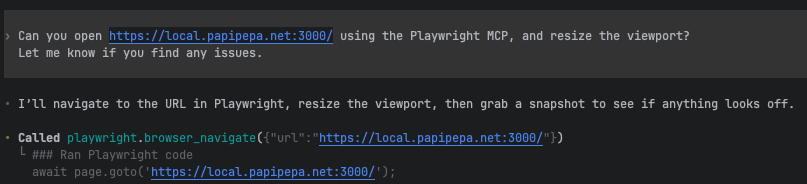
自然な感じで命令を与えるとbrowserを操作しながら検証を行ってくれる。検証を行う様子も見ることができるので結構面白い。
実際に問題の一つであったsidebarの表示崩れの問題も検知していた。
- Mobile (375x667): nav/sidebar controls aren’t accessible (no “Menu” / “Toggle Sidebar” button in the accessibility tree), so links like “About me”/“Dival” aren’t reachable from the UI.